0:00
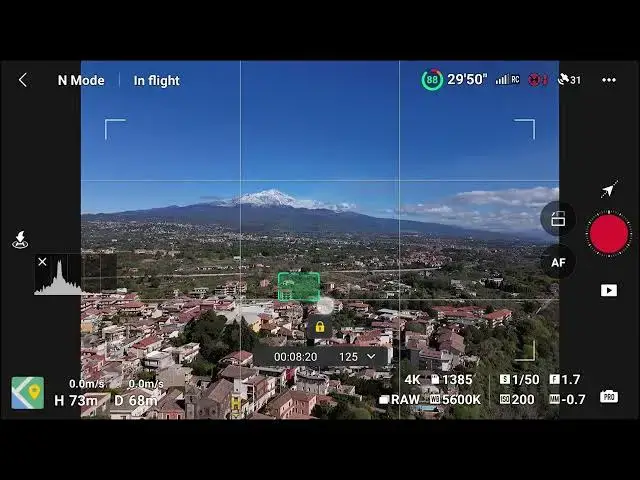
In course lock mode, we disconnect the
0:02
camera orientation from the flight
0:04
direction. The settings are similar to
0:07
circle mode, but this time a lock icon
0:09
is above the small window. We orient the
0:12
drone towards the desired flight
0:14
direction and tap on the lock icon. Then
0:17
we choose a target by drawing a box
0:19
around it for the camera direction.
0:22
The camera will remain pointed at the
0:25
target while flying diagonally. I never
0:28
use coarse look as we can obtain the
0:30
same result with more flexibility using