Up next in 10


DJI Mini 5 Pro Waypoint Hyperlapse Settings
Show More Show Less View Video Transcript
0:00
After entering the points, I tap the
0:02
three dots on the right side of the
0:03
window to access the mission's global
0:06
settings. The first one to the left is
0:08
sequence with two options. In normal,
0:11
the shooty starts from the first point.
0:13
Tapping it will switch to reverse
0:16
starting from the last point. This can
0:18
save battery time in certain situations.
0:22
Interval sets the time in seconds
0:25
between photos. Assuming we want a short
0:28
movie of about 12 seconds, we can choose
0:30
an interval of two, three or four
0:33
seconds.
0:37
The interval affect the speed of the
0:38
moving element in the scene. The longer
0:42
it is, the faster the move. It also
0:44
affect the time required to capture a
0:46
set number of photos.
0:52
I aim for 300 photos. For a hyperlapse
0:55
of about 12.5 seconds at a 3 second
0:58
interval, it will take 50 minutes to
1:00
capture 300 shots. This is compatible
1:03
with the Mini 5 Pro's battery life.
1:08
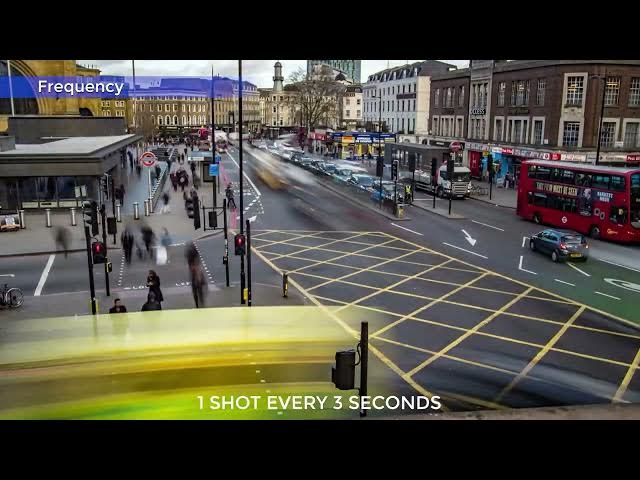
A 3second interval works well when the
1:10
moving element in a scene are people
1:12
walking, cars, or other vehicles.
1:18
Unlike the other hyperlapse mode, way
1:20
points doesn't have speed settings. The
1:24
aircraft speed is automatically adjusted
1:26
based on the distance traveled and the
1:28
length of the short movie. The longer
1:31
the distance, the faster the aircraft
1:33
will