0:00
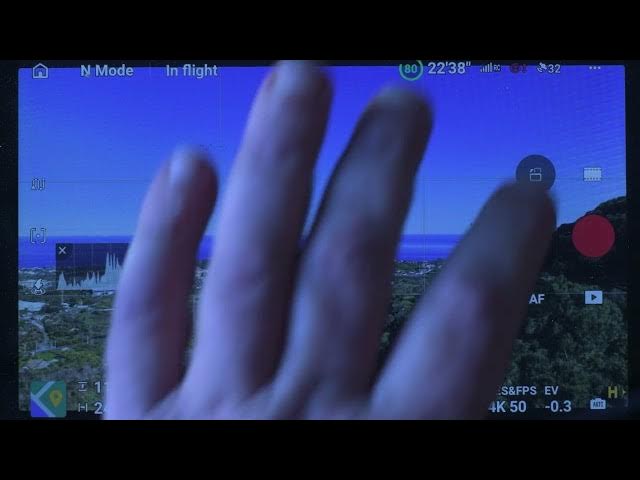
In DJ Fly app, there are three main
0:03
areas to access the video options.
0:06
The settings via the three dot icon at
0:09
the top left of the screen, the photo
0:12
video window above the shutter, and the
0:15
exposure value at the bottom right of
0:17
the screen. I will focus only on the
0:20
important one for filming.
0:23
There are two main options to select in
0:25
the safety tab setting. The first one is
0:28
the obstacle avoidance action. The Mini
0:31
5 Pro has omnidirectional sensing and we
0:34
want to keep it on at all times for
0:36
peace of mind. On most occasions, I
0:39
select bypass to avoid obstacles on the
0:44
Scrolling down, we select advanced
0:46
safety settings to choose the action to
0:48
be taken in case of signal loss. Descent
0:52
should never be selected as the drone
0:53
may land on bushes or water. The safest