0:00
Let's move to the control tab. The
0:02
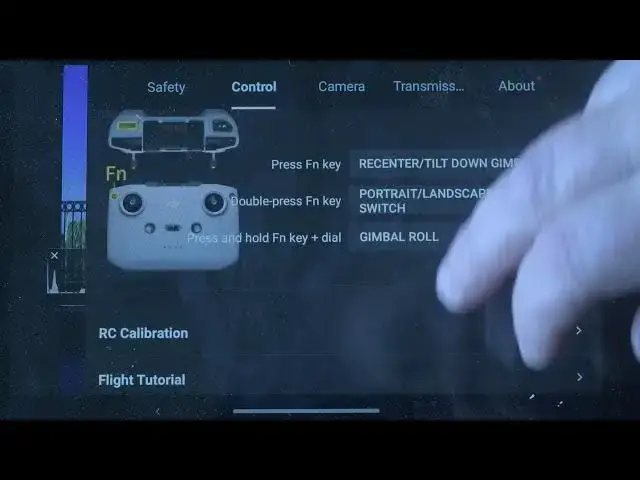
gimbal roll rotation is a major new
0:04
feature. It is mostly used for filming,
0:07
but it can occasionally be useful for
0:10
creative photos with an unusual
0:12
orientation while retaining the full
0:16
In the control tab, scroll down to
0:18
button customization to check to which
0:21
combination gimbal role is assigned
0:24
according to the remote controller you
0:28
Further down we find gimbal calibration.
0:30
Here we can automatically calibrate it
0:33
if prompted by the app, but we can also
0:35
assess manual if the horizon is slightly