Up next in 10


DJI Mini 5 Pro Quick Shots - Rotate
Show More Show Less View Video Transcript
0:00
I left this mode for last as it is a new
0:03
one for DJI lightweight models.
0:07
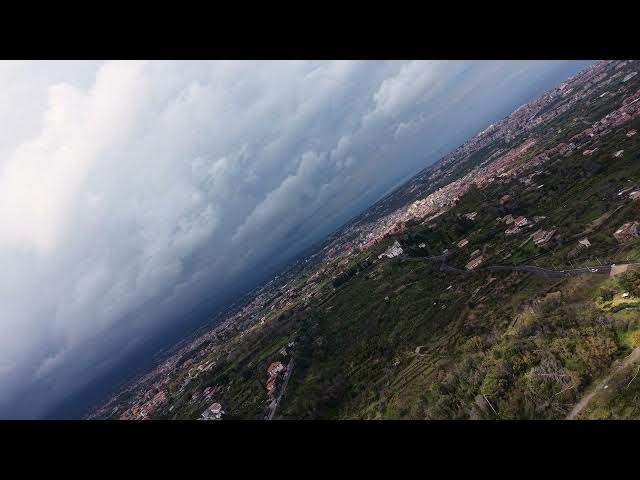
It uses the rotating gimbal, also
0:10
present in the R3S and Mavic 4 Pro to
0:13
mimic the behavior of a real airplane
0:16
leaning to one side while turning.
0:21
By opening the small window at the
0:22
bottom of the screen, we access several
0:25
parameters.
0:26
We can choose the direction between
0:28
forward and backward
0:32
for rotation angle. There are two
0:34
choices.
0:37
With the first one, the clip start with
0:39
a 45°ree rotation to the right and then
0:42
rotates by the same amount to the other
0:45
side.
0:50
With the second option, the aircraft
0:51
rotates progressively from 0 to 180°.
0:56
for an upside down view.
1:06
In rotating speed, there are three
1:08
choices. I suggest selecting the minimum
1:11
value as otherwise the resulting clip
1:13
will be very short. Finally, we can
1:16
choose the flight speed.
1:18
The top of the small window shows the
1:20
distance to travel and the length in
1:22
second of the resulting clip.
1:28
In rotate mode, a target is not needed.
1:34
It is the only quick shot mode where the
1:36
drone doesn't come back to the starting
1:38
point at the end of the move.