Up next in 10


DJI Mini 5 Pro Quick Shots - Dronie
Show More Show Less View Video Transcript
0:00
Let's start with Rooney. After selecting
0:03
the target, a small window appears in
0:04
the lower part of the screen in the
0:06
middle to select the distance of the
0:09
aircraft from the target during the
0:11
shoot from 30 to 120 m.
0:15
Drron is often used for selfies.
0:18
In this case, the distance should be set
0:20
to the minimum value to remain close to
0:22
the target.
0:24
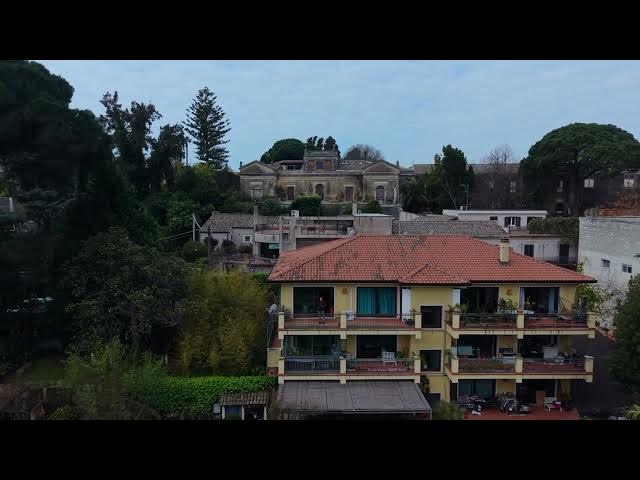
After hitting the shutter, the aircraft
0:26
moves away from the subject while
0:28
ascending. It is also a perfect move for
0:31
videography for the end of a movie or to
0:34
reveal the surroundings of a landmark.
0:37
When used for videography, it is
0:38
preferable to choose a higher distant
0:40
value.
0:42
At the end of the move, the software
0:44
stop recording and aircraft returns to
0:46
the starting point. It would be nice if
0:49
the h kept recording while coming back
0:52
to get an interesting establishing shot
0:55
punching into the target from a wider
0:57
view.