live_tv
Livestream Starting Soon
00
Hours
:
00
Minutes
:
00
Seconds
Up next in 10


DJI Mini 5 Pro MasterShots Moves - Portrait
Show More Show Less View Video Transcript
0:00
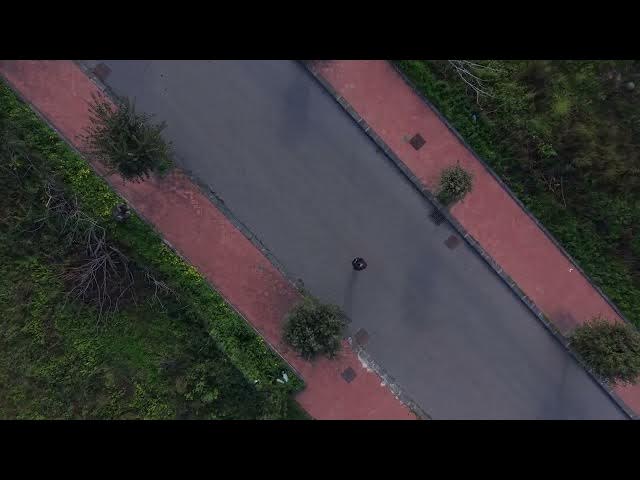
Portrait mode is only for dynamic
0:02
surface. For best results, the aircraft
0:05
should be close to the target. So, it is
0:07
better to choose an area without
0:09
obstacles.
0:11
You start with a do zoom
0:17
followed by a circle from cross
0:19
distance.
0:26
Then an ascending move in the direction
0:28
opposite to the target.
0:48
A circle from far away with progressive
0:51
zoom.
0:57
A diagonal move tilting up the gimbal.
1:08
A rocket
1:20
and a descending move while rotating.
1:29
In previous models, the software produce
1:31
a single video file containing all the
1:33
different moves. On most occasion, we
1:36
need to cut each move into a separate
1:38
clip while editing.
1:43
With the Mini 5 Pro, there is an
1:44
individual file for each move, which
1:47
simplify the process.
1:51
The footage produced by the Mini 5 Pro
1:53
is outstanding with excellent contrast
1:55
and detail and rich colors. On several
1:58
moves, a good amount of digital zoom is
2:00
employed with hardly any loss of detail
2:03
and resolution thanks to the wider
2:05
pixels produced by the larger sensor.
2:09
All the footage I've been showing you
2:10
here is shot with normal profile without
2:13
any editing.