live_tv
Livestream Starting Soon
00
Hours
:
00
Minutes
:
00
Seconds
Up next in 10


https://www.youtube.com/watch?v=6A8ajQ3tlng
Show More Show Less View Video Transcript
0:00
Master Shot can also be used to produce
0:02
exciting short movies with music and
0:05
text. Let's see how it works with the RC
0:09
entry controller. After turning on the
0:11
controller and the drone, click on the
0:13
icon with a small triangle below the
0:15
shutter to access the album containing
0:17
the file on the memory disc and the
0:19
internal memory of the drone.
0:22
The ones for master shots show as small
0:25
star.
0:26
The files shot in color profile other
0:29
than normal show the name of the profile
0:31
DLOG M or HLG.
0:34
By clicking on one of them, we get a
0:36
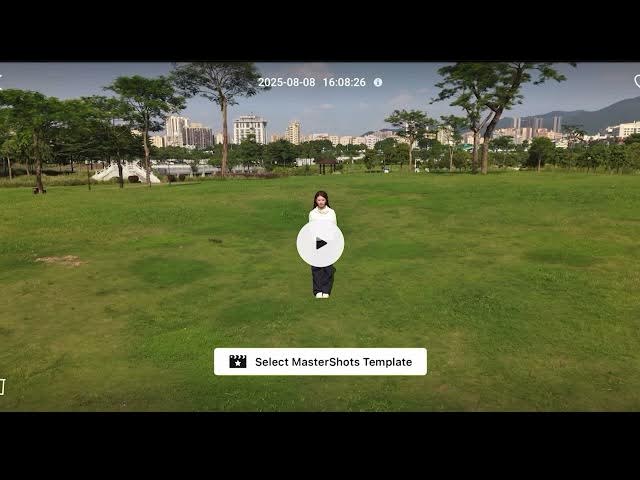
full screen view. Tap on the playback
0:38
icon to preview the footage. Then tap on
0:42
select master shot template.
0:45
There will be five groups for different
0:47
modes, each containing several templates
0:50
for short movies of about 30 to 40
0:52
seconds with music. Some template
0:55
contain text that cannot be modified.
0:58
The resulting movie will be at a
1:00
resolution of 1080p.
1:02
With the RC2 controller with the
1:04
built-in screen, the files must be
1:06
transferred to a smartphone or tablet
1:08
with DJI Fly app installed to apply the
1:11
templates and generate the short of him.