videocam_off
This livestream is currently offline
Check back later when the stream goes live
Up next in 10


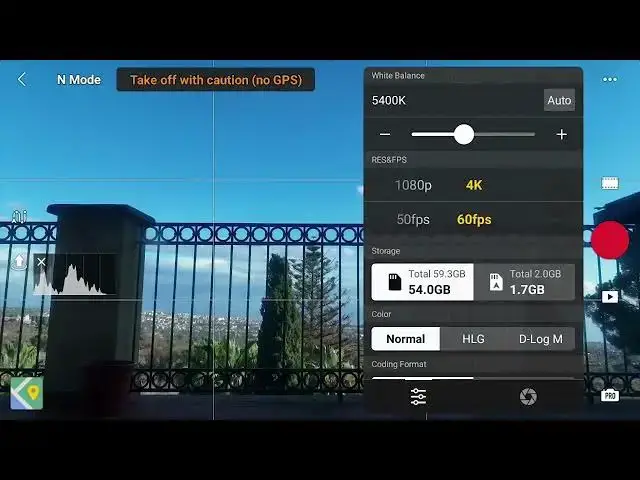
DJI Mini 5 Pro - Hyperlapse Settings
Show More Show Less View Video Transcript
0:01
Time-lapses and hyperlapses consist of a
0:03
series of photos taken at a constant
0:05
interval and assembled as a video
0:07
sequence.
0:12
There is a difference between the two
0:13
terms. In a time-lapse, the point of
0:16
view is static. In other words, the
0:17
drone overs.
0:20
It is used when the scene already
0:22
contains a good amount of movement.
0:25
In hyperlapse, the aircraft moves,
0:28
adding extra movement to the scene.
0:32
There are three important variable to
0:34
set for best results. The interval
0:37
between shots, the length in second of
0:39
the short movie, and the shutter speed
0:41
value.
0:44
It is crucial to use manual exposure to
0:47
control the shutter speed value and
0:49
manual white balance to avoid color
0:52
shift.
0:55
Hyperapses can also be taken in portrait
0:57
mode.
0:59
A big plus for users active on social
1:02
media.
1:07
At the end of the shooting process, a
1:09
short 4K movie is generated by the app.
1:16
It is also possible to save the
1:18
individual photos as RAW or JPEG for
1:21
processing the sequence and assembling
1:23
the images in a video editor.
1:28
However, with the Mini 5 Pro, on most
1:30
occasion, this is not needed
1:34
as the quality of the autogenerated
1:35
short movie is outstanding.