0:00
We access the hyperlapse functionalities
0:02
through the icon above the shutter. A
0:05
vertical menu appears to the left with
0:07
the four hyperlapse modes. Free circle
0:10
course lock and waypoint.
0:13
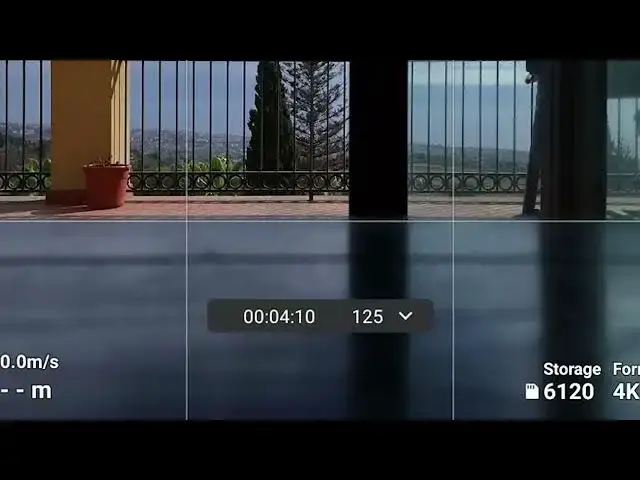
A small windows appears in the lower
0:15
part of the screen. We can open it by
0:17
tapping on the arrow to the right. Here
0:20
we can enter the interval between each
0:21
shot, the length of the movie in
0:24
seconds, and the maximum speed. Just
0:26
above we can check the resulting
0:28
shooting time and number of photos.
0:32
The window applies for the first three
0:34
modes while the interface for waypoint