0:00
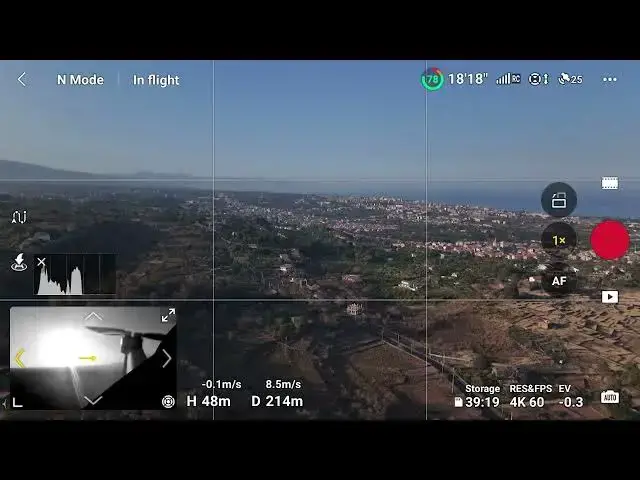
on the bottom left corner we can tap
0:02
this icon to access a other view showing
0:04
the aircraft position relative to the on
0:09
Nord tapping on the bottom right it
0:12
turns into a map of the area showing the
0:14
Drone the home point and the
0:17
controller by tapping again we access an
0:20
interesting new safety feature Vision
0:23
assist it shows a black and white view
0:26
of the direction the Drone is traveling
0:28
regardless of the camera orientation